Google analytics
Google analytics is a free Google product to track real time tracks of a website i.e its current details about the traffic etc.
Steps for verification
- Login into Google analytics
- Select website or mobile app option
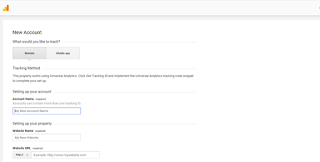
- Enter account name i.e your own name
- Enter website name ie blogger name or WordPress name
- Enter website URL before that select whether http or https and copy paste your wordpress or blogger URL
- Select industry category (eg: reference, if blog)
- Select reporting time zone as India(if Indian)
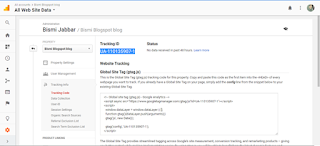
- Get the tracking ID
- On privacy policy page select country as India(if Indian)and then accept
- Copy the tracking code
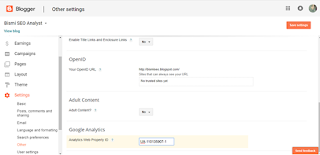
- On blogger page select settings -> others ->analytics well property ID ->paste the ID
- On Google analytics page copy code and then on your blogger page choose theme -> edit html and paste on head part ->save theme
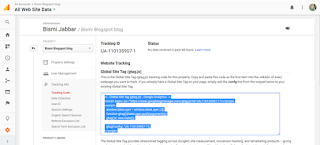
- On Google analytics you can view real time statistics of your website.
Steps to link Google console and Google analytics
On Google analytics page select
Home option ->
link analytics and search console ->
configure product linking ->
link search console ->
add, select the one need to linked ->
save ->
done



No comments:
Post a Comment